
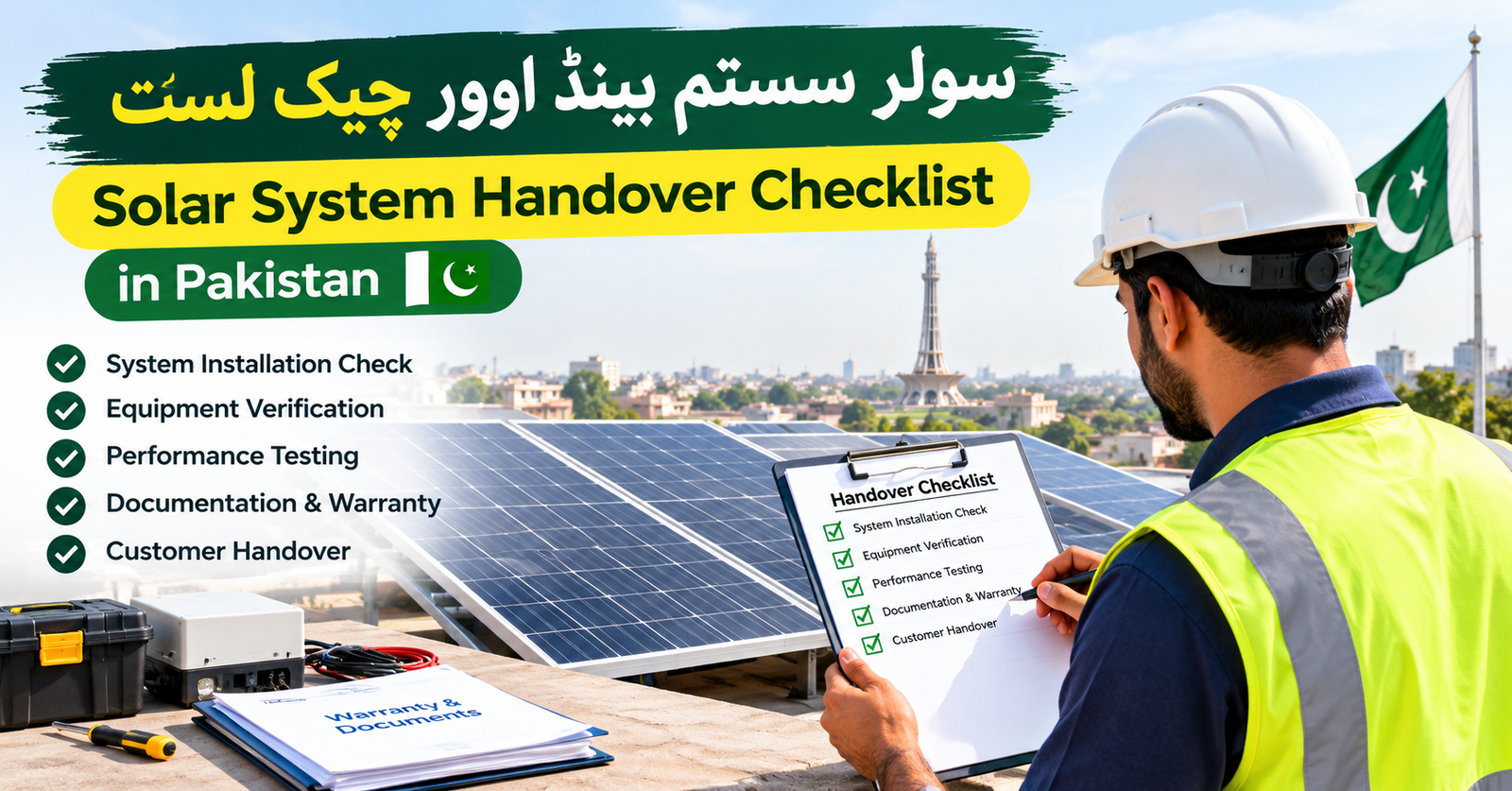
The Importance of a Formal Solar Handover
A solar system handover is the final, critical step in your journey toward energy independence. In Pakistan, where solar adoption is rapidly increasing, the quality of installation varies significantly. A professional handover ensures that your system is not only physically installed but also electrically sound, documented, and fully operational according to safety standards. You should never consider an installation complete until you have received the necessary paperwork and witnessed key functional tests.
This checklist provides the foundation for verifying your investment. Before finalizing payment or signing off on the project, ensure your installer provides a clear walkthrough. If you are still in the planning phase, refer to our solar panel guide for homeowners to understand the core components involved. For those evaluating system capacity, our solar inverter size calculator for Pakistan helps verify if the hardware installed matches your actual load requirements.
Required Documentation for Your Records
Documentation is your primary defense for warranty claims and future maintenance. You should insist on a physical or digital file containing the following items before the installation team departs:
- Detailed Equipment Manuals: Ensure you have the original manufacturer manuals for the inverter, solar panels, and battery storage units.
- Warranty Certificates: Request the official warranty documents for every major component. Confirm that the serial numbers on your equipment match those listed on the certificates.
- Single-Line Diagram (SLD): This is a schematic map of your electrical system. It is vital for any future maintenance or grid-tie approval processes.
- Equipment Data Sheets: Keep records of the technical specifications for your hardware. If you are using battery backups, compare your installation against the advice found in our solar battery size guide to ensure your setup meets your intended energy goals.
- Installation and Commissioning Report: A signed document confirming the system was tested, commissioned, and is fully functional.
Functional Tests to Request
Never accept a system based solely on the fact that the inverter screen is lit up. Ask your technician to perform these tests in your presence to ensure everything is working as intended.
Inverter Startup Test
Witness the unit transitioning from standby to operational mode during daylight hours. Ensure it registers PV input correctly.
Battery Discharge Test
Check if the battery successfully takes over the load when the grid power is simulated to be disconnected.
Monitoring Setup
Verify that your smartphone application or web portal is correctly linked to the inverter and displaying real-time generation data.
Operational Checklist: An Illustrative Example
To illustrate how a handover should proceed, imagine you are testing a 5kW hybrid system. Your technician should guide you through the following practical steps:
1. Verification of Hardware: Visually compare the models installed on your roof and wall against your original quotation.
2. Cable and Conduit Inspection: Ensure all conduits are secured and that cables are not exposed to direct UV rays or sharp edges.
3. Safety Labels: Check that clear warning labels are placed on your distribution board and near the solar isolators, identifying the solar system as a secondary power source.
4. System Shutdown Walkthrough: Ask the technician to show you exactly how to perform a safe system shutdown in an emergency, such as where the main solar DC isolator is located.
Frequently Asked Questions
A: While installation and net metering are distinct, most homeowners finalize payment after the system is physically installed and tested. However, clarify if your contract includes the full grid-tie application service.
A: Yes. Your installer should provide basic guidance on maintenance frequency and, more importantly, safety precautions regarding roof access and water usage.
A: Immediately flag it to the installer. Data synchronization issues should be resolved while they are still on-site.
Ask the installer to confirm that cable routing, mechanical protection, labels and protective devices follow the applicable design and equipment requirements. Appearance alone cannot establish electrical safety; inspection and testing belong to qualified personnel.
Next Steps for New Owners
Once the keys are in your hand and the system is running, your role shifts to monitoring. Check your app daily for the first week to ensure production levels are consistent. Keep your documentation folder in a safe, dry place, as these papers are essential for any future warranty claims. Should you notice significant underperformance, do not attempt to troubleshoot the internal components yourself. Always contact your certified installer to maintain the validity of your equipment warranties. Taking these steps today ensures your solar investment remains protected for years to come.
Ready to Start Your Project?
Ensure you have the right information before committing to your solar installation.
Keep a practical handover record
Photograph equipment labels from a safe viewing position and store the final invoice, approved equipment list and support contact together. Ask the installer to explain the difference between the main distribution board and any selected backup circuits. A house may have solar generation without every socket being supported during a grid outage.
Request a written demonstration record covering the supported operating modes, any unresolved faults and the settings the installer selected. Demonstrations involving grid isolation or electrical measurements should be performed by the installer, not the homeowner. Confirm that monitoring access uses your own account and that you know how to retrieve production history without changing installer settings.
If a promised feature is not working, document it before accepting the handover. Record who is responsible for completing the item and the expected service date. This creates a clearer basis for follow-up than relying on a verbal assurance that everything will be corrected later.
Source: NEPRA — National Electric Power Regulatory Authority




2 Comments